


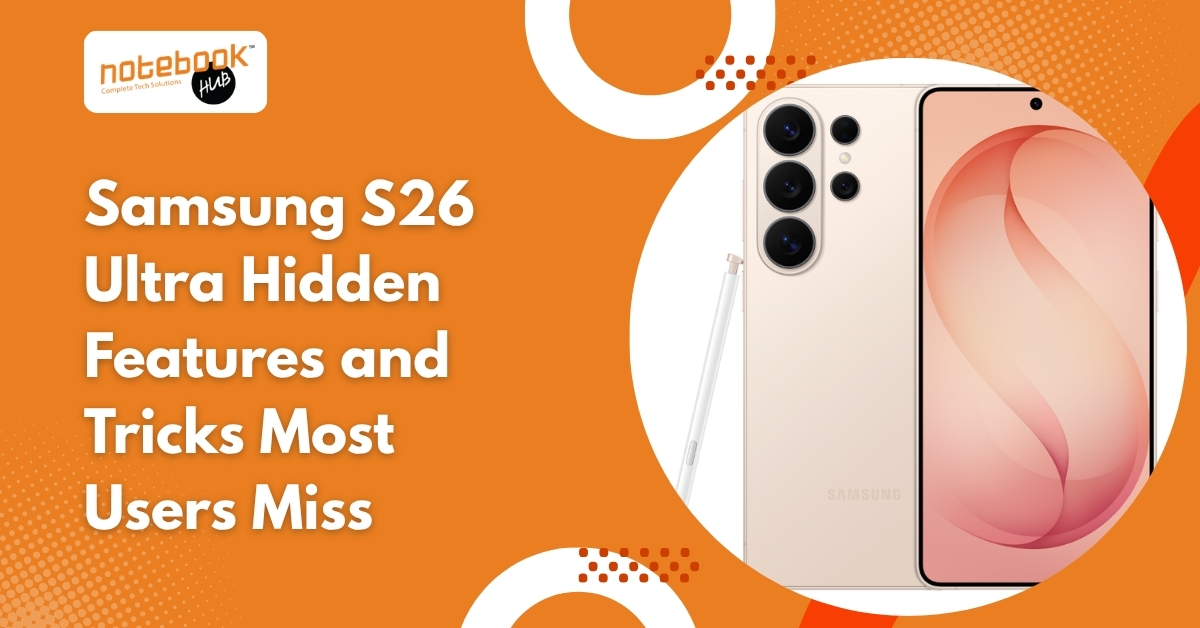
The Samsung Galaxy S26 Ultra is getting attention for its camera upgrades, AI tools, and performance improvements, but some of its most interesting features are the ones many users may not notice right away. At first glance, it looks like another premium flagship with a sharper display, faster processor, and stronger camera system. But once you start exploring the phone in daily use, certain features stand out because they quietly improve how the device behaves in practical situations. Some of these tools feel small at first, yet they quickly become the kind of features that are difficult to ignore once experienced. Privacy Display Makes Public Phone Use More Comfortable One of the more unusual additions expected on the Samsung S26 Ultra is a privacy-focused display mode that reduces visibility from side angles. In crowded places like airports, offices, trains, or cafés, this helps keep messages, banking details, and private content less visible to people nearby. This changes something simple that most users rarely think about until they use it in real situations. Instead of relying on a separate privacy screen protector, the display itself becomes more selective about what people around you can see. For anyone who often works or travels in public spaces, this immediately feels practical. Low-Light Photography Feels More Natural Than Before Samsung continues with a 200MP camera setup, but the real difference appears in low-light photography. A wider aperture allows the sensor to collect more light, which improves brightness without forcing aggressive processing. Night photos show cleaner lighting, better contrast, and more controlled highlights. Street lights remain balanced, indoor evening shots hold more texture, and zoomed night images lose less clarity. Rather than simply increasing detail, the camera now feels better at preserving atmosphere. AI Photo Editing Happens Quietly in the Background Photo editing on the S26 Ultra is becoming less about manual correction and more about instant improvement. The phone can automatically remove reflections, improve shadows, sharpen details, and clean distractions from images with minimal effort. A photo taken through glass, for example, can often look significantly cleaner after a quick edit. The most noticeable part is how fast the corrections happen. Instead of moving through multiple editing tools, results appear almost immediately. That makes even ordinary photos feel more polished. Cooling Improvements Matter During Heavy Use Performance upgrades often sound impressive during launch announcements, but cooling is what users actually notice during long use. Samsung has reportedly improved internal thermal management with a larger vapor chamber, helping the phone stay more stable during gaming, video recording, and multitasking. The effect becomes clear during longer sessions: Games stay smoother for longer periods heat builds up more slowly performance drops less under pressure This gives the phone a more controlled feel during demanding tasks. Fast Charging Changes Everyday Routine Battery charging becomes more useful when it starts fitting naturally into short breaks. The Samsung S26 Ultra is expected to support faster wired charging that quickly restores a large part of the battery in a relatively short time. A short charge before leaving home, during a meeting break, or while preparing for travel becomes enough to comfortably continue the day. Instead of thinking about battery percentage constantly, charging starts to feel less disruptive. Hidden Settings Improve the Phone More Than Most Users Expect Some of the best improvements are found inside settings rather than headline features. A few useful options include: Adaptive Battery Protection This helps preserve battery health over time by controlling charging behavior. Advanced Privacy Controls Permissions can now be monitored more clearly for apps that frequently access location, microphone, or camera. Motion Smoothness Settings The display can be tuned for smoother scrolling depending on preference. AI Gallery Tools Photo cleanup features remain hidden inside editing options and are easy to miss. These settings often make a bigger daily difference than many advertised upgrades. Samsung AI Feels Less Visible and More Useful One of the more interesting changes is how Samsung uses AI without constantly drawing attention to it. The phone can suggest reminders, organize information, improve searches inside the gallery, and surface useful content based on routine behavior. The result is not dramatic at first, but over time, the phone starts feeling more responsive to daily habits. Instead of asking for AI, many improvements simply happen when needed. Video Recording Looks More Stable in Motion Samsung has also improved motion handling for video capture, which becomes noticeable when recording while walking or following moving subjects. This helps with: travel videos quick social media clips indoor movement casual handheld recording Footage appears smoother without requiring extra equipment, making everyday recording more reliable. Final Thoughts The Samsung S26 Ultra does not rely on one dramatic feature to stand out. Its strongest upgrades appear through small improvements that become noticeable in everyday use. A more private display, cleaner night photography, faster edits, steadier performance, and smarter background behavior all combine to make the device feel more refined. Some of the most useful features are not immediately obvious, which is exactly why they become interesting after spending time with the phone Explore the Latest Flagship Phones at Notebook Hub If you enjoy exploring premium devices like the Samsung Galaxy S26 Ultra, visiting a trusted tech destination makes the experience even better. Notebook Hub is known as one of the best tech showrooms in Pune for those looking to compare the latest laptops, smartphones, and premium gadgets in one place. Whether you want to check flagship Samsung devices, explore new launches, or understand which device fits your daily use, Notebook Hub offers a hands-on buying experience with guidance across top brands. From premium smartphones to high-performance laptops, it is a place where technology feels easy to explore before making a decision. If you are planning your next upgrade, Notebook Hub is a smart place to start in Pune. Disclaimer Product availability may vary depending on the current stock at Notebook Hub. Prices, exchange offers, discounts, and promotional benefits are subject to change without prior notice and may