


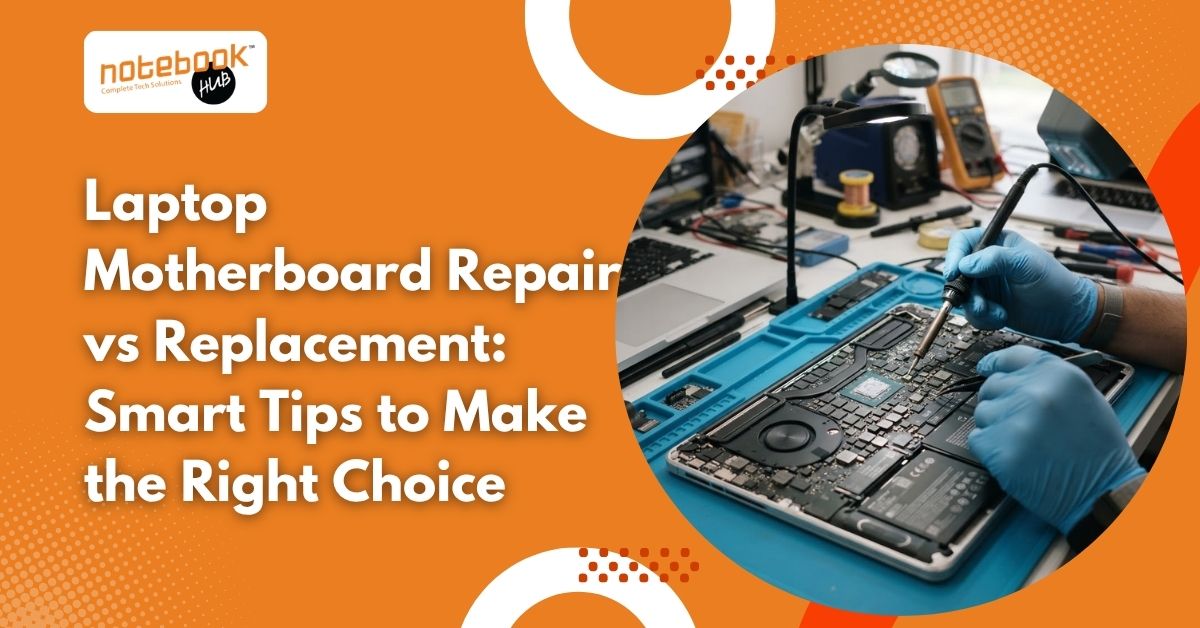
A laptop may suddenly stop turning on, fail to charge, restart unexpectedly, or display a blank screen. These problems can be frustrating, especially when you depend on your device for office work, studies, business operations, or personal files. Sometimes, the motherboard is responsible, but similar symptoms can also result from a faulty battery, charging port, display, or another component. Before agreeing to an expensive repair, it is worth understanding what has actually failed. Laptop motherboard repair can be a sensible option when the damage is limited, while replacement may be more suitable when the board has extensive damage. The right decision depends on the diagnosis, repair cost, laptop age, performance, and long-term reliability. What Does a Laptop Motherboard Do? The motherboard is the main circuit board that connects essential laptop components, including the processor, memory, storage, graphics hardware, charging circuits, and other internal systems. It allows these components to communicate and work together. When a motherboard develops a fault, the laptop may show several symptoms. However, these signs do not automatically confirm that the entire board needs replacement. Common warning signs include: The laptop does not turn on despite using a working charger. The battery does not charge properly. The screen remains blank while the laptop appears to receive power. The device shuts down unexpectedly or restarts repeatedly. USB ports, audio, or other connected components stop working. The laptop behaves abnormally after liquid exposure or overheating. A proper diagnosis helps identify whether the motherboard is faulty or another component is causing the problem. Recognising common symptoms early can help you understand potential hardware faults. Read more about laptop motherboard problems to learn about their causes, warning signs, and possible solutions. What Is the Difference Between Motherboard Repair and Replacement? Understanding both options makes it easier to evaluate a technician’s recommendation. How Does Laptop Motherboard Repair Work? Motherboard repair involves identifying and fixing the specific fault on the existing circuit board. Depending on the problem, a technician may replace a damaged capacitor, charging IC, power component, or another faulty part. This approach is often called component-level repair or chip-level repair. It requires suitable diagnostic equipment and experience with circuit-level troubleshooting. If the damage is limited and the remaining board is in good condition, repairing the affected component may restore normal operation without replacing the entire motherboard. How Motherboard Replacement Works Motherboard replacement involves removing the faulty board and installing a compatible replacement. The replacement may be new or refurbished, depending on availability and the agreed repair option. This solution can be appropriate when the existing board has extensive damage, several failed circuits, or physical deterioration that makes repair impractical. However, compatibility, component availability, installation quality, and warranty coverage should be checked before proceeding. When Should You Choose Laptop Motherboard Repair? Repair may be the better choice when the fault is identifiable, the damage is limited, and the rest of the laptop remains in good condition. The Problem Is Limited to One Component A failed charging circuit, damaged power component, or certain localised electrical faults may be repairable without changing the complete board. The technician must confirm the affected component through testing rather than assuming the entire motherboard has failed. Your Laptop Still Meets Your Needs If your laptop handles your daily work efficiently and its processor, memory, storage, and display remain suitable, repairing the motherboard may extend its useful life. This is particularly worth considering when a replacement laptop would require a significant additional investment. You Want to Preserve Access to Your Data Some modern laptops use storage encryption or security arrangements linked to the original hardware. Replacing the motherboard can complicate access to existing files in certain models. If your data is important, explain this before authorising work. Ask whether repairing the original board could help preserve access and whether separate data recovery may be necessary. The Repair Cost Is Reasonable Compare the quotation with the laptop’s current market value and the cost of a comparable replacement device. A repair that costs substantially less than buying another suitable laptop may offer better value, provided the expected reliability is acceptable. When Is Motherboard Replacement the Better Option? Repair is not always practical. Replacement may be more appropriate when the damage is severe or a reliable component-level solution is unavailable. The Board Has Extensive Physical or Liquid Damage Liquid damage like water damage can cause corrosion and electrical shorts. Severe overheating, burnt circuit layers, or physical damage may also affect several areas of the board. If the technician determines that the damage cannot be repaired reliably, replacing the motherboard may be the more practical solution. Multiple Circuits Have Failed When several important circuits are damaged, repair may require extensive labour and still leave uncertainty about future performance. Compare the expected reliability and total cost of repair with those of a suitable replacement board. Compatible Replacement Parts Are Available Some older laptops have limited spare-part availability. If a compatible motherboard is available at a reasonable cost, replacement may make sense. Confirm whether the board is new, refurbished, or used and ask about its condition and warranty. Your Laptop Has Other Major Problems Consider the complete condition of the device. If the laptop also needs a new battery, screen, keyboard, or other expensive components, the combined repair bill may be difficult to justify. In that situation, putting the money towards a newer laptop could be a more practical long-term decision. How Much Should You Spend on Motherboard Repair? Motherboard repair costs vary according to the laptop model, the failed component, the severity of the damage, and the technician’s expertise. A minor circuit repair and a complete motherboard replacement are different jobs, so their quotations can differ considerably. Instead of choosing solely by the lowest price, consider these factors: Diagnosis: Has the technician identified the actual fault? Repair scope: Is the quotation for component-level repair or a complete board replacement? Spare parts: Are compatible, reliable components available? Warranty: What coverage applies to the repair or replacement? Total value: How does the expense compare with