

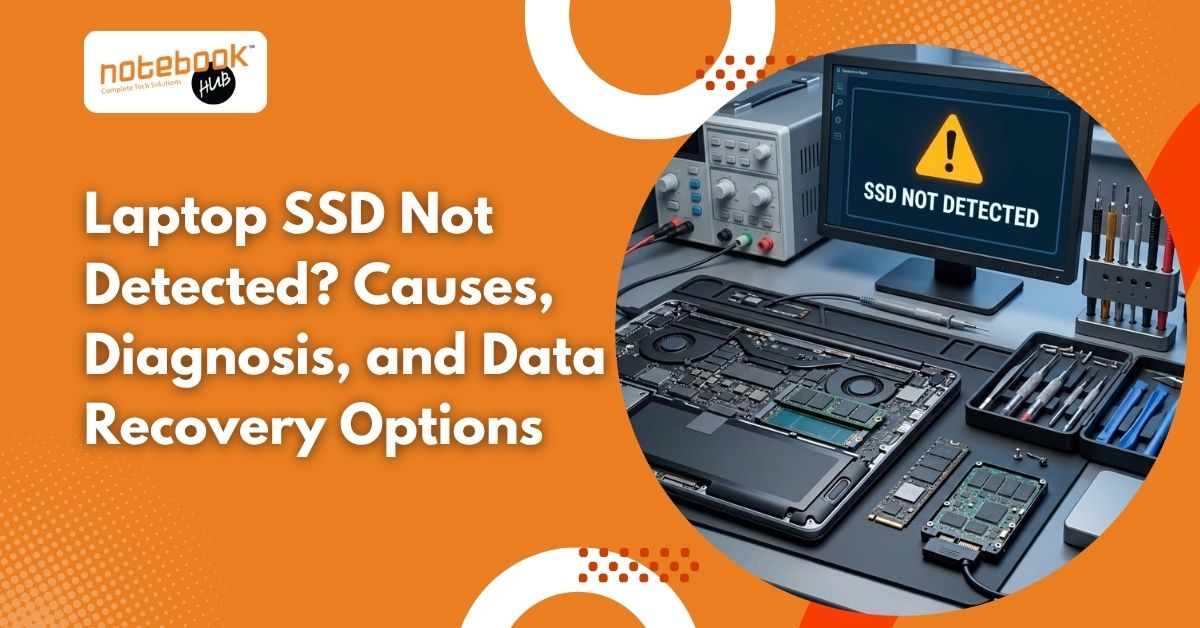
When your laptop suddenly fails to detect its SSD, you may find yourself unable to start Windows, access important files, or continue your work. The problem can arise from loose connections, incorrect BIOS settings, Windows errors, corrupted partitions, hardware compatibility issues, or SSD failure. Understanding the cause can help you choose the right solution without putting your valuable data at unnecessary risk. This guide covers the common reasons an SSD goes undetected, practical troubleshooting steps, and available data recovery options. But does an undetected SSD always mean your data is lost? Not necessarily. Sometimes, a simple connection issue or incorrect setting is responsible. However, repeated disconnections, system freezes, or an SSD missing from BIOS may indicate a more serious problem. Why Is Your Laptop SSD Not Detected? If an SSD appears in BIOS but not File Explorer, Windows may have a partition or drive-letter issue. If it is also absent from BIOS, suspect compatibility, connection, firmware, or hardware. One useful clue is timing. If the SSD disappeared immediately after an upgrade, check supported capacity, slot compatibility, and installation before assuming failure. Loose Connections or an Unsupported SSD A SATA SSD may disappear because of a faulty cable or connector. An M.2 drive may be improperly seated, and some M.2 slots support SATA or NVMe, not both. BIOS or UEFI Settings If your laptop does not detect the SSD, checking the BIOS or UEFI settings can help determine whether the drive is recognised by the system. Understanding how BIOS and UEFI work can help you identify basic detection issues before proceeding with further troubleshooting. Driver, Windows, or Partition Problems A driver issue, missing drive letter, offline disk, or damaged partition may hide an SSD in Windows. A new drive may need setup. These problems differ from firmware failing to detect the drive. SSD Firmware or Hardware Failure Controller or firmware faults, laptop overheating, liquid, power problems, or physical damage can make an SSD disappear. Repeated disconnections, freezes, or incorrect capacity readings may signal failure. How Can You Diagnose an SSD That Is Not Detected? Start with non-invasive checks before changing settings or attempting repairs. The purpose is to determine whether the problem comes from the laptop, the SSD connection, Windows, or the storage device itself. Step 1: Check Where the SSD Appears Open File Explorer and check whether the drive is listed. If it is missing, open Disk Management and look for the SSD. If it appears there, note its status without initializing, formatting, or creating a new volume. If the SSD is missing from Windows, check whether it appears in BIOS or UEFI. The exact menu names vary by laptop manufacturer. Step 2: Check Connections and Compatibility If the laptop has recently been repaired, upgraded, or moved, a connection problem may be worth investigating. Internal inspection should be performed only when you are comfortable handling laptop components safely; otherwise, seek technical assistance. For a SATA or NVMe SSD, any replacement, enclosure, or alternate slot must support the drive’s interface and physical format. Step 3: Review BIOS Settings Carefully Confirm whether BIOS or UEFI recognizes the SSD. If it does, the issue may be related to boot configuration or Windows rather than complete drive failure. Avoid resetting firmware settings or switching storage modes without understanding the existing configuration. Incorrect changes can create additional boot problems. Step 4: Decide Whether to Continue If the SSD appears healthy and contains no important unbacked-up files, further software troubleshooting may be reasonable. However, if it disappears repeatedly, reports an incorrect capacity, causes system freezes, or contains irreplaceable data, stop experimenting and seek professional diagnosis. What Are the Safe Fixes for an Undetected SSD? The appropriate fix depends on the diagnosis. There is no universal solution for every SSD that disappears from a laptop. Assign a Drive Letter When Appropriate If the SSD is detected in Disk Management and the existing partition appears healthy but lacks a drive letter, assigning one may restore access. Do not create a new partition or format the drive if it contains files you need to preserve. Update Drivers Only When Necessary If Windows detects the drive but cannot access it correctly, an appropriate storage or chipset driver may help. Download updates from the laptop or component manufacturer’s official support page. Driver changes will not repair a physically failed SSD. Inspect Hardware Professionally If the SSD is absent from BIOS or UEFI, checking the compatible connection, slot, or motherboard interface may help identify the cause. Internal handling should be avoided if the laptop is under warranty or the SSD is damaged. Important: Do not treat firmware updates, formatting, initialization, or repeated power cycling as routine fixes when valuable data is at risk. How Can You Recover Data From an SSD That Is Not Detected? Data recovery depends on whether the SSD is experiencing a logical problem, a connection fault, or an internal hardware failure. The priority should be protecting the stored files rather than making the drive usable again at any cost. Software-Based Data Recovery If Windows detects the SSD with its correct capacity but files are inaccessible because of partition or file-system corruption, recovery software may help. Install the recovery application on a separate drive and save recovered files to another storage device. Avoid software scans if the SSD is unstable, repeatedly disconnects, or causes system freezes. TRIM and background storage operations can also reduce the chances of recovering deleted files, so software recovery is not guaranteed. Professional SSD Data Recovery If the SSD is absent from BIOS or UEFI, reports an incorrect capacity, or has suspected electronic damage, professional diagnosis may be necessary. Specialists can assess the controller, firmware, electrical components, and NAND flash to determine whether the data can be accessed. Not every failed SSD can be recovered. Modern SSD encryption and controller architecture can make recovery particularly challenging, even when the flash memory remains physically intact. When Should You Contact a Professional for Laptop SSD Repair? Consider professional assistance when your SSD contains important business documents,