


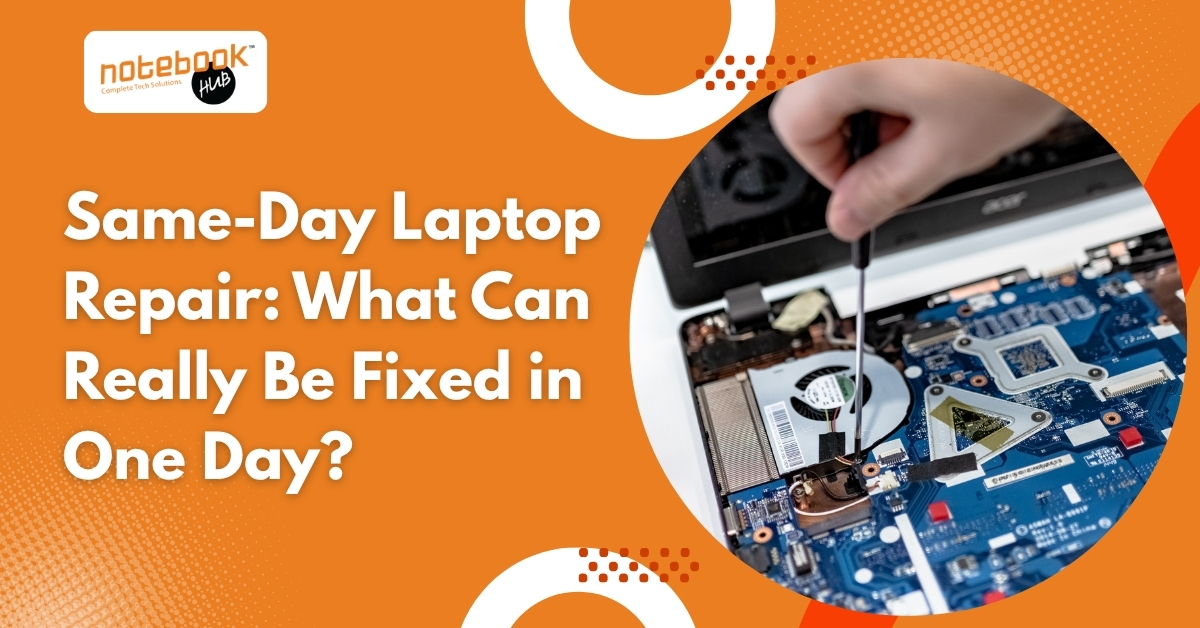
A laptop can fail at the most inconvenient moment. It could happen before an important client meeting, during college exams, or while working on a project with a strict deadline. When that happens, one question comes to mind immediately: Can it be repaired today?
The good news is that many laptop problems can be diagnosed and repaired on the same day. However, not every issue can be resolved within a few hours. The repair time depends on the type of problem, the availability of spare parts, and whether the damage involves critical internal components.
Understanding what qualifies for same-day laptop repair helps set realistic expectations and ensures you receive the right solution without unnecessary delays.
What Is Same-Day Laptop Repair?
Same-day laptop repair means your laptop is diagnosed, repaired, tested, and returned on the same day whenever the required parts are available and the issue does not involve complex component-level repairs.
Professional repair centers usually begin with a complete diagnosis to identify the exact cause of the problem. Once the issue is confirmed and the customer approves the repair, technicians begin the repair process immediately.
What Happens During a Same-Day Laptop Repair?
Although every repair is different, most follow a similar process.
| Stage | Typical Time |
| Initial inspection and diagnosis | 15 to 30 minutes |
| Repair estimate and approval | 15 to 30 minutes |
| Hardware or software repair | 30 minutes to 3 hours |
| Testing and quality check | 30 to 60 minutes |
| Device handover | Same day for eligible repairs |
If additional faults are discovered during diagnosis, the repair timeline may change.
Laptop Repairs That Can Often Be Completed in One Day
Software Issues
Software problems are among the quickest laptop issues to resolve because they usually do not require replacement parts.
Common examples include:
- Windows startup errors
- Slow laptop performance
- Virus and malware removal
- Blue screen errors
- Driver installation issues
- Windows updates causing system problems
- Application crashes
These issues can often be fixed by repairing Windows, updating drivers, removing malicious software, or reinstalling the operating system if necessary.
SSD Upgrade
Replacing a traditional hard drive with an SSD is one of the most popular laptop upgrades.
If a compatible SSD is available, technicians can install the new drive, migrate your data if required, reinstall Windows when necessary, and complete testing within a few hours.
An SSD upgrade typically improves:
- Boot time
- File transfer speed
- Software loading time
- Overall system responsiveness
RAM Upgrade
If your laptop becomes slow while multitasking, upgrading the RAM may significantly improve performance.
Installing compatible memory modules is usually a straightforward process and can often be completed during the same visit.
Battery Replacement
Laptop batteries naturally lose their capacity over time.
Signs that your battery may need replacement include:
- The battery is draining unusually fast
- Laptop shutting down unexpectedly
- Battery not charging fully
- Battery health warning messages
If the correct battery is available, replacement and testing are generally completed within an hour.
Laptop Screen Replacement
A cracked or damaged display does not always mean waiting several days.
Many standard displays for HP, Dell, Lenovo, ASUS, Acer, and other popular laptop brands are readily available.
Screen replacement includes:
- Removing the damaged display
- Installing a compatible panel
- Testing brightness and display quality
- Checking webcam and display cable connections
Keyboard Replacement
Broken keys, liquid damage, or an unresponsive keyboard can affect daily work.
Many keyboard replacements can be completed on the same day, particularly for commonly used laptop models.
Charging Port Repair
If your laptop only charges when the cable is held at a certain angle or stops charging completely, the charging port may be damaged.
Minor charging port repairs or DC jack replacements are often completed within a few hours.
Cooling Fan Cleaning
Dust buildup is one of the most common causes of overheating.
Cleaning the cooling system includes:
- Removing accumulated dust
- Cleaning the fan
- Replacing thermal paste if required
- Improving airflow
Regular maintenance helps reduce overheating and extends the life of internal components.
Repairs That Usually Require More Than One Day
Some repairs involve advanced diagnostics or replacement parts that may not be immediately available.
These include:
Motherboard Repair
Motherboard problems require specialized equipment and component-level repair.
Common issues include:
- Power circuit failure
- Short circuits
- Damaged ICs
- Burnt components
These repairs often take several days because each circuit must be tested carefully.
Liquid Damage
Water or other liquids can damage multiple internal components simultaneously.
Even if the laptop powers on after drying, hidden corrosion may continue to affect performance.
A proper liquid damage repair involves complete disassembly, cleaning, inspection, and testing, which usually takes longer than one day.
Data Recovery
Recovering files from physically damaged storage devices requires specialized tools.
The process depends on the condition of the drive and cannot always be completed within a few hours.
Rare Replacement Parts
Some gaming laptops, premium ultrabooks, and older laptop models require special components that are not always available locally.
Ordering these parts naturally increases repair time.
Which Laptop Brands Can Be Repaired the Same Day?
Many same-day repairs are available for popular laptop brands, including:
- HP
- Dell
- Lenovo
- ASUS
- Acer
- MSI
- Samsung
- Toshiba
Repair availability depends on the laptop model and the required replacement part.
Factors That Affect Repair Time
Several factors determine whether a laptop can be repaired on the same day.
Spare Parts Availability
Repairs are faster when compatible parts are already in stock.
Displays, batteries, keyboards, SSDs, and RAM for popular laptop models are generally easier to source than components for older or premium devices.
Type of Damage
Simple component replacement usually takes less time than repairing damage affecting multiple internal circuits.
For example, replacing a battery is significantly faster than repairing a damaged motherboard.
Accurate Diagnosis
A laptop may display one symptom but have multiple underlying problems.
For example, a laptop that refuses to switch on could have:
- A faulty charger
- A damaged charging port
- Defective RAM
- Motherboard failure
- Power IC issues
A proper diagnosis helps prevent unnecessary repairs and saves time.
Quality Testing
Every repaired laptop should be tested before it is returned.
Testing typically includes:
- Charging functionality
- Display quality
- Keyboard response
- Touchpad operation
- Wi-Fi connectivity
- USB ports
- Audio
- Webcam
- Overall system stability
Skipping this step may result in recurring issues after the repair.
Same-Day Laptop Repair: What Can Be Fixed Quickly?
| Laptop Issue | Same-Day Repair Possible? | Typical Repair Time |
| Windows installation | Yes | 1 to 2 hours |
| Virus removal | Yes | 1 to 3 hours |
| SSD upgrade | Yes | 1 to 2 hours |
| RAM upgrade | Yes | 30 to 60 minutes |
| Battery replacement | Yes | 30 to 90 minutes |
| Screen replacement | Usually | 2 to 4 hours |
| Keyboard replacement | Usually | 2 to 3 hours |
| Charging port repair | Sometimes | 2 to 5 hours |
| Cooling fan cleaning | Yes | 1 to 2 hours |
| Motherboard repair | No | 2 to 5 days |
| Liquid damage repair | Depends | 1 to 3 days |
| Data recovery | Depends | 1 to 7 days |
* The above-mentioned repair time is based on the average market time.
You may like to read: Laptop Repair Cost in Pune: Full Price Guide for 2026
How to Prepare Before Visiting a Repair Center?
A few simple steps can make the repair process faster.
- Back up important files whenever possible.
- Carry your original charger.
- Note any error messages you have seen.
- Mention whether the laptop was dropped or exposed to liquid.
- Explain when the problem first started.
- Remove personal accessories connected to the laptop.
Providing accurate information helps technicians identify the issue more efficiently.
Final Thoughts
Same-day laptop repair is possible for many common issues, including software problems, SSD upgrades, RAM upgrades, battery replacement, keyboard replacement, screen replacement, charging port repair, and routine maintenance.
More advanced problems involving motherboard damage, liquid spills, or extensive hardware failures naturally require additional time to ensure the repair is completed correctly.
Choosing a repair center that performs accurate diagnostics, uses quality replacement parts, and thoroughly tests every repaired laptop is more important than simply finding the fastest service.
Need Same-Day Laptop Repair in Pune?
Whether your laptop has a cracked screen, charging issue, slow performance, battery problem, or needs an SSD or RAM upgrade, Notebook Hub provides professional diagnostics and reliable repair solutions for a wide range of laptop brands. Every device is carefully tested before delivery to ensure dependable performance.
Visit Notebook Hub in Pune for trusted laptop repair services and get your laptop back in working condition with minimal downtime.
Frequently Asked Questions
Can every laptop be repaired on the same day?
No. Software issues, upgrades, and common hardware replacements are often completed on the same day. Complex motherboard repairs, liquid damage, and data recovery usually require additional time.
Will my files be deleted during repair?
Not always. Hardware replacements generally do not affect your files. However, Windows reinstallation or storage replacement may require data backup before the repair begins.
Is same-day laptop repair more expensive?
Not necessarily. Repair costs depend on the type of fault and replacement parts rather than the repair timeline.
Should I repair my laptop or buy a new one?
If the repair cost is reasonable and the laptop still meets your performance needs, repairing it is often more economical than replacing it.
How can I know if my laptop qualifies for same-day repair?
A professional diagnosis is the quickest way to determine whether your laptop can be repaired within a few hours or requires additional work.
Disclaimer: The information provided in this article is for general informational and educational purposes only. Repair times may vary depending on the laptop brand, model, the nature of the issue, the availability of replacement parts, and the diagnostic findings. Attempting hardware repairs without the proper tools or technical expertise may cause further damage. For an accurate diagnosis and reliable repair solution, consult a qualified technician. If you are in Pune, Notebook Hub can inspect your laptop, identify the issue, and recommend the most suitable repair based on its condition.