

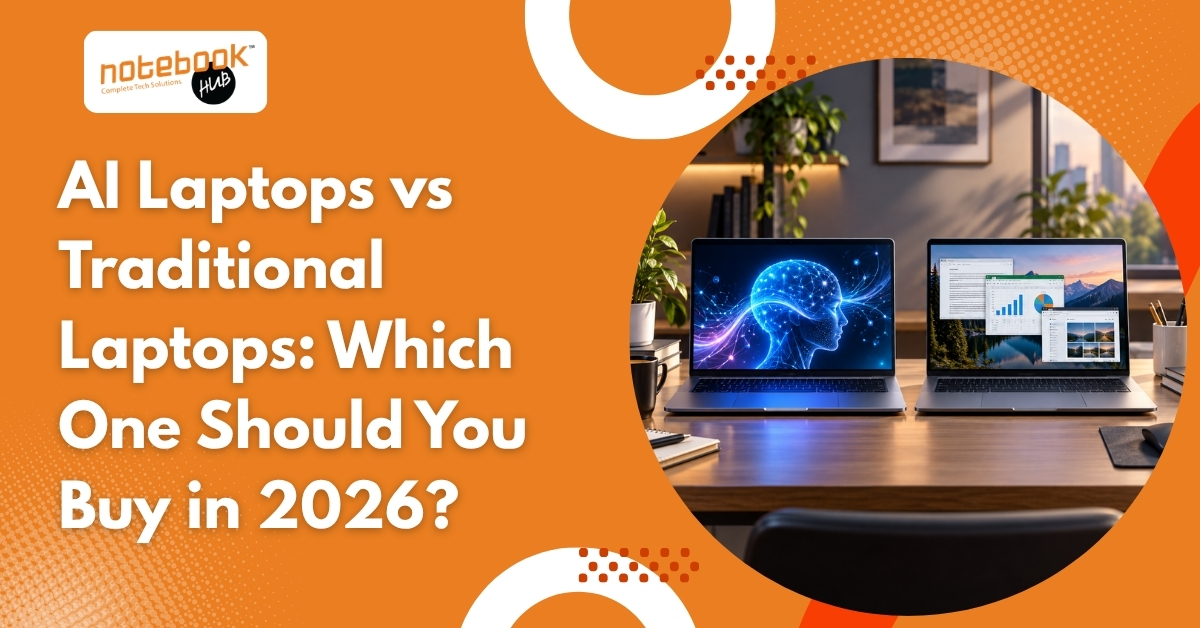
If you’ve been looking for a new laptop recently, you’ve probably come across terms like AI Laptop, AI PC, and Copilot+ PC. Almost every major brand is promoting AI-powered devices as the next big thing, promising smarter performance, better productivity, and improved efficiency.
At the same time, traditional laptops still power millions of students, professionals, businesses, and creators every day without major limitations.
This naturally raises an important question: Is an AI laptop actually worth buying in 2026, or is a traditional laptop still the better choice?
The answer isn’t as simple as saying one is better than the other. Both have their strengths, and the right choice depends on how the laptop will be used in everyday life.
What Is an AI Laptop?
An AI laptop is a computer that includes a dedicated Neural Processing Unit (NPU), a processor designed specifically for AI-related tasks. While traditional laptops rely mainly on the CPU and GPU, AI laptops have an additional component that helps run certain AI features more efficiently.
This allows supported applications to perform tasks such as live captions, voice enhancement, AI-assisted editing, smart search, and meeting productivity tools while using less power.
However, it’s important to understand that an AI laptop is still a laptop at its core. It can perform all the same tasks as a traditional laptop, but it is better equipped for software that takes advantage of AI hardware.
What Is a Traditional Laptop?
A traditional laptop relies on the CPU and GPU to handle all computing tasks. These are the laptops most people have been using for years, and they remain more than capable of handling everyday workloads.
Whether it’s attending online classes, browsing the web, creating presentations, working on spreadsheets, coding, editing photos, or even using AI tools such as ChatGPT and Gemini, a modern traditional laptop can perform these tasks comfortably.
One reason traditional laptops continue to be popular is that most everyday computing tasks simply don’t require dedicated AI hardware. Activities such as email management, web browsing, video streaming, document creation, research work, and business applications run smoothly on modern systems without needing an NPU.
This is why traditional laptops continue to dominate the market despite the growing popularity of AI-focused devices.
AI Laptop vs Traditional Laptop: Quick Comparison
| Feature | AI Laptop | Traditional Laptop |
| Hardware | CPU, GPU & NPU | CPU & GPU |
| AI Features | Better support for on-device AI | Relies more on cloud-based AI |
| Everyday Tasks | Excellent | Excellent |
| Battery Efficiency | Better during AI-heavy workloads | Standard |
| Price Range (India) | Typically starts around ₹70,000-₹80,000+ | Available from ₹30,000 onwards |
| Value for Money | Better for AI-focused users | Better for most everyday users |
| Future Readiness | Better prepared for AI-focused software | Suitable for current workloads |
| Best For | Creators, professionals, power users | Students, office users, general users |
* While the differences look significant on paper, the right choice depends largely on how the laptop will be used. For many everyday tasks, both AI laptops and traditional laptops deliver a similar experience.
Why AI Laptops Are Getting Popular
The growing interest in AI laptops is largely driven by the way software is evolving.
Applications are becoming smarter. Video conferencing tools now offer live captions and background enhancements. Creative software uses AI for image editing and content generation. Productivity tools can summarize meetings, organize information, and automate repetitive tasks.
As more software companies integrate AI into their products, laptops with dedicated AI hardware are becoming increasingly attractive.
For someone planning to keep a laptop for four to six years, investing in a device that’s ready for future AI features can seem like a sensible decision.
However, future readiness should not be confused with necessity. Not every user needs advanced AI capabilities today, which is why understanding the benefits and limitations is important.
Benefits of AI Laptops
While AI laptops are not essential for everyone, they do offer practical advantages for users who regularly rely on AI-powered applications. The benefits become more noticeable when these tools are part of daily work rather than occasional usage.
- Better efficiency for AI-powered tasks
- Improved battery performance during supported workloads
- Enhanced video call features such as noise cancellation and live captions
- Better support for future AI-focused software
- Useful for content creators and professionals who regularly use AI tools
That said, these benefits are most noticeable when AI-powered applications are a regular part of the workflow.
Benefits of Traditional Laptops
Traditional laptops continue to offer excellent value and remain the best choice for many users.
- More affordable across different budgets
- Excellent performance for everyday tasks
- Wider range of models and configurations
- Can run popular AI tools such as ChatGPT, Gemini, and Microsoft Copilot
- Better value for users who don’t rely heavily on AI-powered software
For many buyers, investing the extra budget in more RAM, SSD storage, or a better display often provides greater day-to-day benefits than paying for AI-specific hardware.
Where AI Laptops May Disappoint
AI laptops aren’t perfect, and it’s important to look beyond the marketing.
- Higher price compared to similarly configured traditional laptops
- Many AI features still depend on software support
- Not every application takes advantage of dedicated AI hardware
- Cloud-based AI tools often perform similarly on both AI and traditional laptops
For users whose primary activities involve web browsing, office work, streaming, and occasional AI usage, the difference may not be as dramatic as advertisements suggest.
Who Should Buy an AI Laptop?
An AI laptop can be a worthwhile investment for users who regularly work with AI-powered software.
Content creators who edit photos and videos, professionals who spend hours in online meetings, and users who rely heavily on productivity tools are more likely to benefit from dedicated AI hardware.
Imagine a video editor who spends the day creating content, attending client meetings, and using AI-assisted editing tools. Small improvements in workflow efficiency can add up over time and make an AI laptop a practical investment. Similarly, remote professionals who regularly use live captions, voice enhancement, and meeting productivity features may appreciate the additional capabilities.
It can also be a good option for buyers who plan to keep their laptop for several years and want hardware that’s better prepared for future software developments.
Who Should Buy a Traditional Laptop?
A traditional laptop remains the smarter choice for many people.
Students, office users, casual users, and budget-conscious buyers often won’t see enough real-world benefits from an AI laptop to justify the higher cost.
For example, a student using Google Docs, PowerPoint, ChatGPT, YouTube, and online learning platforms is unlikely to notice a major difference between a modern traditional laptop and an AI laptop during everyday use. Likewise, many office professionals who primarily work with emails, spreadsheets, presentations, and web applications will find that a traditional laptop handles their workload comfortably.
In these situations, focusing on specifications such as RAM, storage, battery life, and display quality usually delivers better value.
Should You Upgrade Your Current Laptop?
Before rushing to buy a new AI laptop, it’s worth evaluating whether the current device actually needs replacing.
Many laptops can gain a second life through simple upgrades such as additional RAM, SSD storage, or a battery replacement. These improvements often provide a noticeable performance boost at a fraction of the cost of buying a new device.
However, if the laptop is several years old, struggles with modern software, or requires frequent repairs, upgrading to a newer system may be the better long-term solution.
The goal should always be solving the actual problem rather than simply following the latest technology trend.
What Matters More Than AI Features?
The AI label often grabs attention, but it shouldn’t be the only factor influencing a purchase decision.
Regardless of whether a laptop is marketed as AI-powered or traditional, these specifications have a bigger impact on the overall experience:
- At least 16GB RAM for smooth multitasking
- Fast SSD storage
- A modern processor
- Good battery life
- Quality display
- Reliable after-sales support
A well-balanced laptop with strong fundamentals often delivers more value than a poorly configured laptop that simply includes AI hardware.
Before making a purchase decision, it is important to evaluate the complete package rather than focusing on a single feature.
Final Verdict
AI laptops are an exciting step forward, but they are not a mandatory upgrade for everyone.
For creators, professionals, and users who regularly work with AI-powered applications, the additional capabilities can provide real benefits and improve long-term usability. For students, office users, and many everyday buyers, a traditional laptop still delivers excellent performance, reliability, and value.
For most buyers in 2026, the decision isn’t really about choosing between old technology and new technology. It’s about choosing the laptop that fits daily needs. AI laptops bring useful innovations, but traditional laptops continue to offer excellent performance and value. Understanding how the laptop will actually be used is far more important than following the latest trend.
Before making a purchase, focus on daily requirements, budget, and long-term expectations. In many cases, that approach will lead to a better decision than chasing the latest buzzword.
Disclaimer: The information provided in this article is for general informational purposes only. Laptop specifications, AI features, pricing, availability, and software capabilities may vary by brand, model, configuration, and region and are subject to change without notice. While Notebook Hub makes every effort to keep the information accurate and up to date, it does not guarantee the completeness or accuracy of all details and is not responsible for any purchasing decisions, product changes, pricing updates, or manufacturer claims made after publication. Readers should verify the latest information with the manufacturer or authorized retailer before making a purchase.